


我们在arduino找到相关的库文件

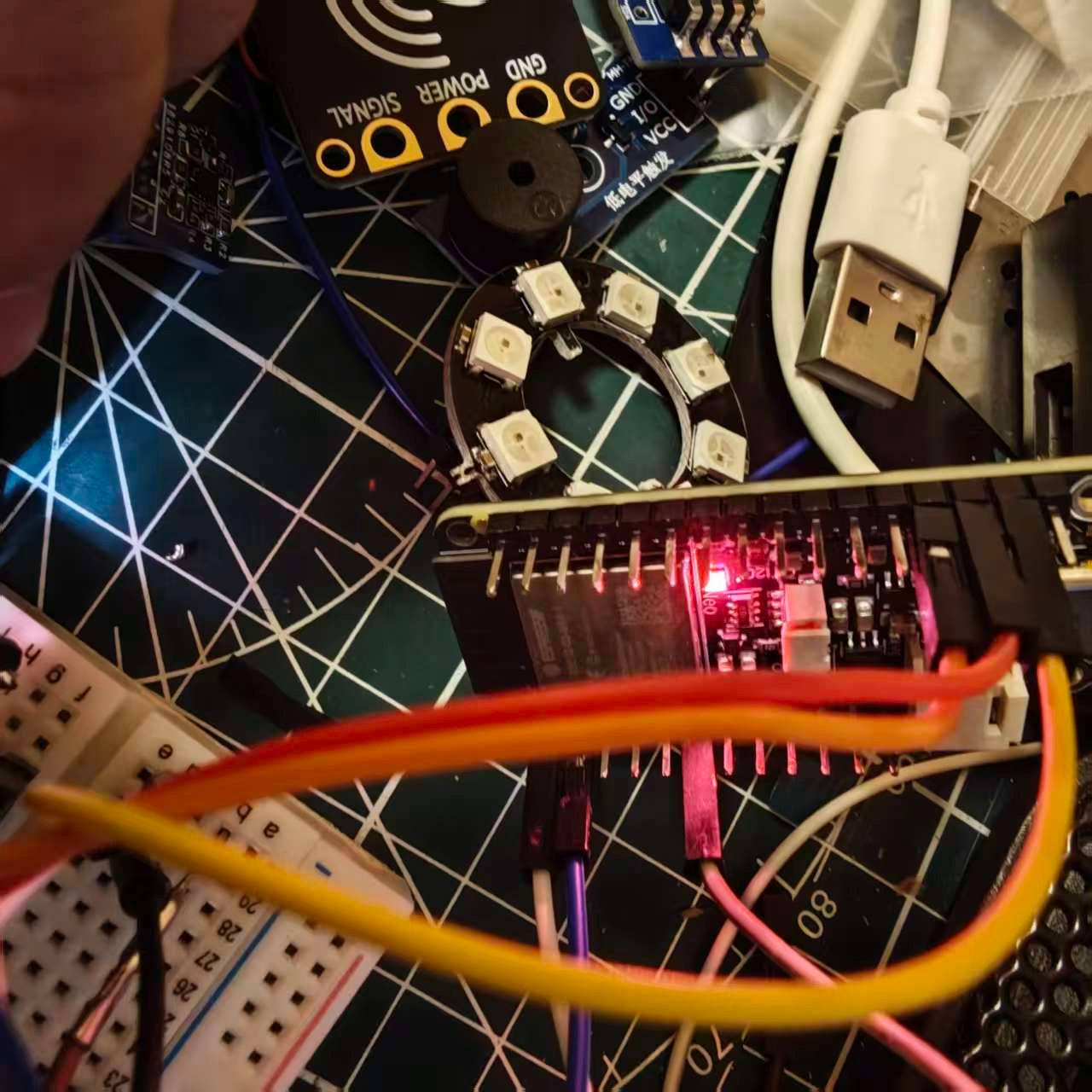
这里只需要简单配置我们的引脚和相关的点灯逻辑。
实现代码
#include "TCS34725.h"
#include <Adafruit_NeoPixel.h>
TCS34725 tcs;
#define PIN        33
#define NUMPIXELS 1
Adafruit_NeoPixel pixels(NUMPIXELS, PIN, NEO_GRB + NEO_KHZ800);

//相邻 LED 之间的延迟,单位毫秒
#define DELAYVAL 500
void setup(void)
{
    Serial.begin(115200);
    pixels.begin();
    Wire.begin();
    if (!tcs.attach(Wire))
        Serial.println("ERROR: TCS34725 NOT FOUND !!!");

    tcs.integrationTime(33); // ms
    tcs.gain(TCS34725::Gain::X01);

    // 调整 scaling 参数,尝试不同的值
    //tcs.scale(1); // 重点修改这一行

    // set LEDs...
}

void loop(void)
{
    if (tcs.available()) // if current measurement has done
    {
        TCS34725::Color color = tcs.color();
        Serial.print("Color Temp : "); Serial.println(tcs.colorTemperature());
        Serial.print("Lux        : "); Serial.println(tcs.lux());
        Serial.print("R          : "); Serial.println(color.r);
        Serial.print("G          : "); Serial.println(color.g);
        Serial.print("B          : "); Serial.println(color.b);
         for(int i=0; i<NUMPIXELS; i++) { // For each pixel...
            pixels.setPixelColor(i, pixels.Color(color.r, color.g, color.b));

            pixels.show();   // Send the updated pixel colors to the hardware.
        }
    }
      pixels.clear(); // Set all pixel colors to 'off'

  // The first NeoPixel in a strand is #0, second is 1, all the way up
  // to the count of pixels minus one.

}
蓝色


红色


 我要赚赏金
我要赚赏金 STM32
STM32 MCU
MCU 通讯及无线技术
 物联网技术
物联网技术 电子DIY
电子DIY 板卡试用
板卡试用 基础知识
基础知识 软件与操作系统
 我爱生活
我爱生活 小e食堂
小e食堂

